A port unlocker M3/Y is often marketed as a small convenience accessory for Tesla Model 3 and Model Y owners. Before fitting one, it helps to be clear about what problem it is meant to solve. A charge flap that will not open, a connector that will not release, and a charger that has stopped a session are different faults – and they need different responses.
For most drivers, Tesla’s controls, the vehicle screen and the charging equipment should handle normal connection and release. An accessory can be useful in a narrow set of circumstances, but it should never become a workaround for a damaged charging port, worn cable or persistent charging error.
What is a port unlocker M3/Y?
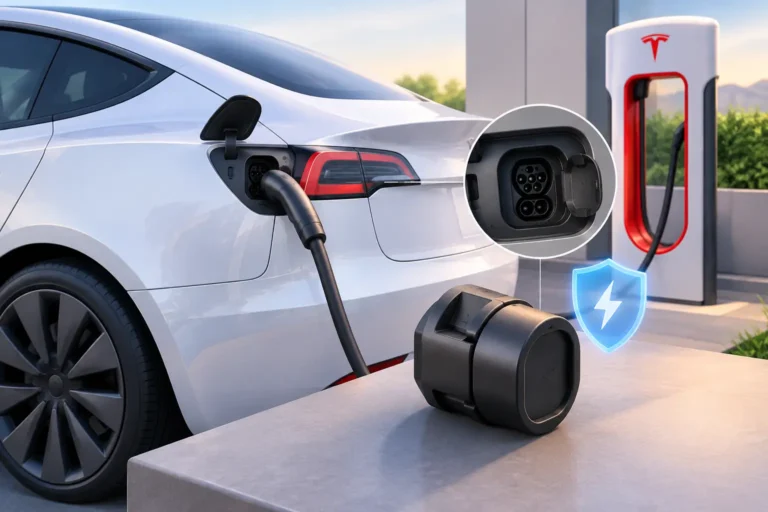
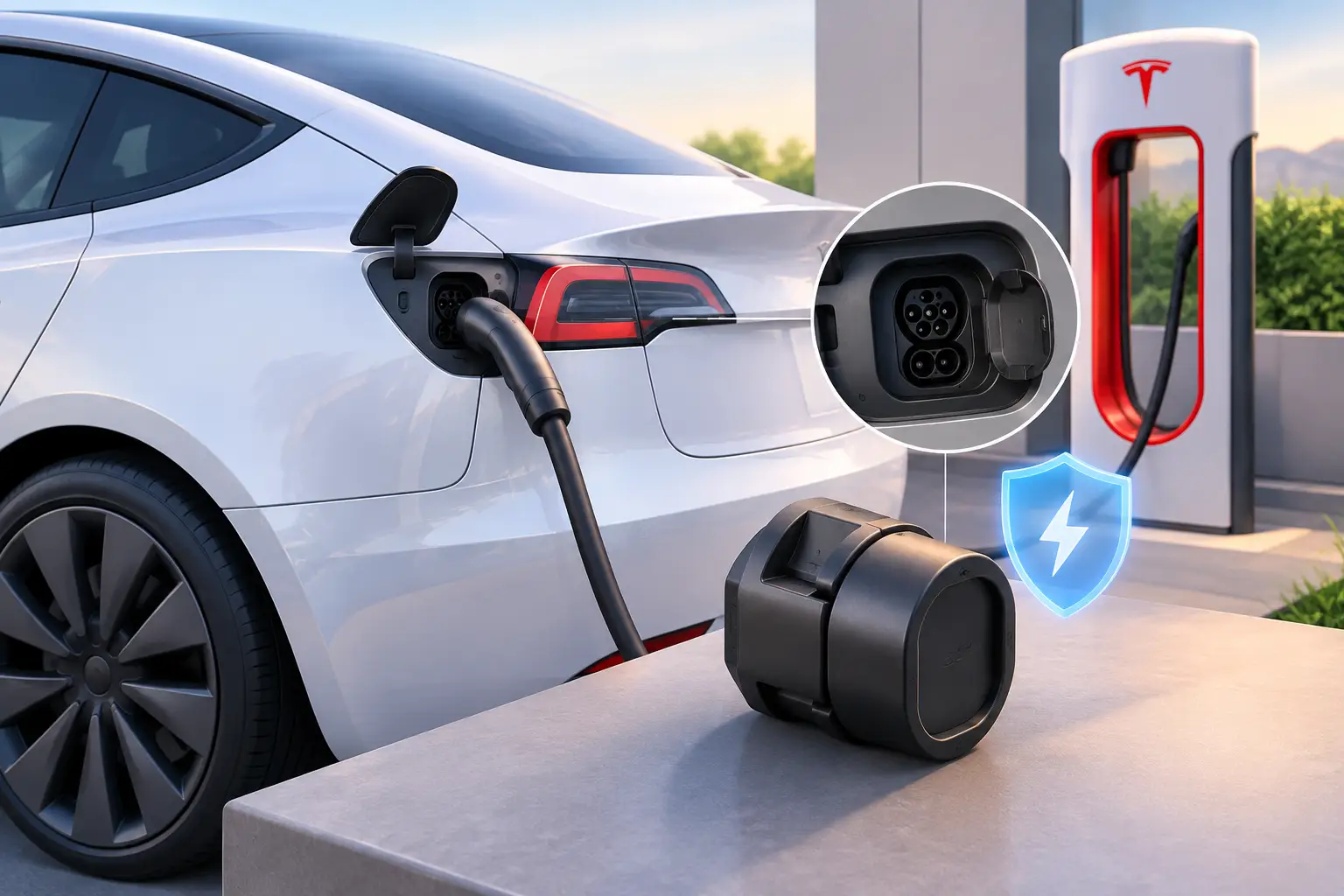
The term is used for aftermarket devices designed for Tesla Model 3 and Model Y charging ports. Depending on the product, it may help operate the charge-port flap, request release of the connector, or make an existing charging action easier without using the app or touchscreen.
That difference matters. Opening the flap does not necessarily mean the cable is ready to come out. During charging, the connector is held in place for safety. The car needs to end the charging session and release the connector before it should be removed.
Some accessories are fitted near the charge port or used with a particular cable type. Compatibility can vary by model year, charging lead, software version and whether you use home charging, a public Type 2 point or Tesla’s own network. Treat broad claims such as “works with every Tesla charger” with caution.
When an accessory may be useful
A well-made, correctly fitted accessory may suit a driver who regularly uses a charger without a convenient release button, or who finds the normal charging routine awkward in a particular parking arrangement. It can also be appealing to households where several people use the same car and want a simple, consistent process.
Convenience is the main benefit, rather than a repair. If the car charges reliably and the cable releases normally using the vehicle controls, there may be little practical reason to add another component.
The trade-off is that any third-party part placed around an electrical connection needs to be durable, correctly positioned and kept clean. A loose, poorly designed or badly fitted item can interfere with the way the plug sits, trap moisture or encourage the driver to pull at a connector before the car has released it.
Do not confuse a release issue with a charging fault
If a plug will not come out, avoid forcing it. Pulling, twisting or levering the connector can damage the cable, the port mechanism or the pins inside the inlet. It may also turn a simple communication issue into a more expensive repair.
Start with the vehicle. Stop charging through the screen or app, wait for confirmation that the session has ended, then use the appropriate release control on the charger or cable. At a public charger, follow the instructions shown on that unit, as some operators have their own release sequence.
At home, check whether the charger is still actively supplying power or waiting for authorisation. If the cable is physically jammed, the port flap is not moving correctly, warning messages appear, or the same problem happens with more than one charger, it is time to investigate rather than repeatedly retrying the connection.
Cold weather can change the picture
In winter, water around the flap or connector can freeze. Road salt, grit and grime can also build up around the port area. Gentle warming in a sheltered location and careful cleaning may help, but do not pour hot water over the inlet or push metal objects into the mechanism.
A recurring cold-weather issue is worth checking properly. The flap, latch, seals and electrical contacts all need to do their job if charging is to remain reliable through the year.
Checks to make before buying or fitting one
First, confirm precisely what the accessory does. Does it open the flap, request cable release, or simply provide easier access to an existing button? Product descriptions can use similar language for very different functions.
Next, check that it is specifically intended for your Model 3 or Model Y and its production year. Tesla can make changes to trim, port hardware and software, so a part designed around an earlier vehicle may not behave as expected on a newer one.
Look closely at how it fits. It should not obstruct the flap, touch electrical contacts, hold the plug at an angle or prevent the connector from fully seating. The charging cable should still insert and remove naturally after the car has confirmed release.
Finally, consider the warranty and the supplier’s installation guidance. A removable external convenience accessory carries a different level of risk from any modification to wiring, sensors or the port assembly itself. If fitting instructions involve dismantling trim around the charge port or altering electrical components, professional advice is sensible.
Safe charging habits matter more than the accessory
A clean, undamaged cable and port will do more for dependable charging than a convenience add-on. Before connecting, take a few seconds to check for cracked casing, bent pins, moisture, dirt or signs of overheating. If the plug feels unusually hot, smells burnt or shows discolouration after charging, stop using it until the cause has been assessed.
It is also good practice to avoid placing strain on the cable. Do not let a heavy lead hang sharply from the connector, trap it under a tyre or stretch it across a route where it can be knocked. At home, keep the charging area dry, well lit and clear of loose items.
Public charge points need a little extra care. Inspect the connector before use, especially if it has been left exposed to rain or dirt. If a unit appears damaged or will not release a cable normally, report it to the operator rather than trying to overcome the issue with extra force.
When to book an inspection
An occasional delay while a public charger ends a session may not indicate a vehicle fault. Repeated problems are different. Arrange a professional inspection if your Tesla regularly fails to recognise a cable, will not begin charging, will not release a connector once charging has stopped, or displays charging-system warnings.
The same applies if the charge flap is sticking, the port has suffered an impact, or there is visible corrosion or heat damage. These issues can involve the latch mechanism, wiring, sensors, low-voltage supply or the charging equipment itself. Diagnosis should identify the cause before parts are replaced.
At AutoNet VIP, a careful diagnostic approach means checking the vehicle and charging connection method rather than assuming the most obvious component is at fault. That protects both the car and your budget, particularly where intermittent electrical faults are concerned.
Can I remove the charging cable while the car is charging?
No. End the session first and wait for the vehicle or charger to confirm the connector has been released. The locking system is there to prevent removal while power is being supplied.
Will a port accessory fix a stuck Tesla cable?
Not necessarily. It may offer a more convenient way to request release in normal use, but it cannot repair a faulty latch, damaged cable, communication error or charger problem.
Is it safe to use one on every charger?
It depends on the specific accessory and charger. Check that the product is compatible with your vehicle and does not interfere with the connector, flap or charging lead. If in doubt, use Tesla’s standard controls.
A charging routine should feel straightforward, not like a process you have to wrestle with. If yours does not, a proper inspection is the sensible next step before a small convenience accessory masks a developing fault.